Integrations
Google Sheets + Visible
Connect to Google Sheets and put your spreadsheets to work


Overview
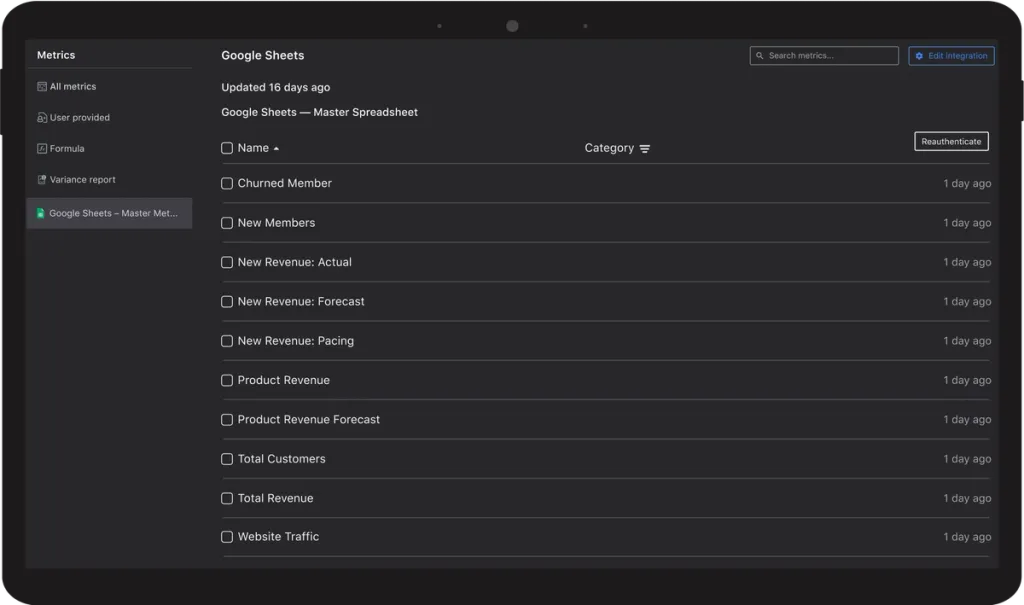
Centralize custom data and metrics from existing sources using Visible and Google Sheets. Simply connect your Google account, select your Google Sheets, and sit back while Visible refreshes with new data every night. Learn more about Google Sheets and Visible below:
Select Your Spreadsheets
Connect your Google Account and select the respective sheets you’d like to bring into Visible. We will search for new data and automatically bring it into Visible every night.
Visualize Your Core Metrics
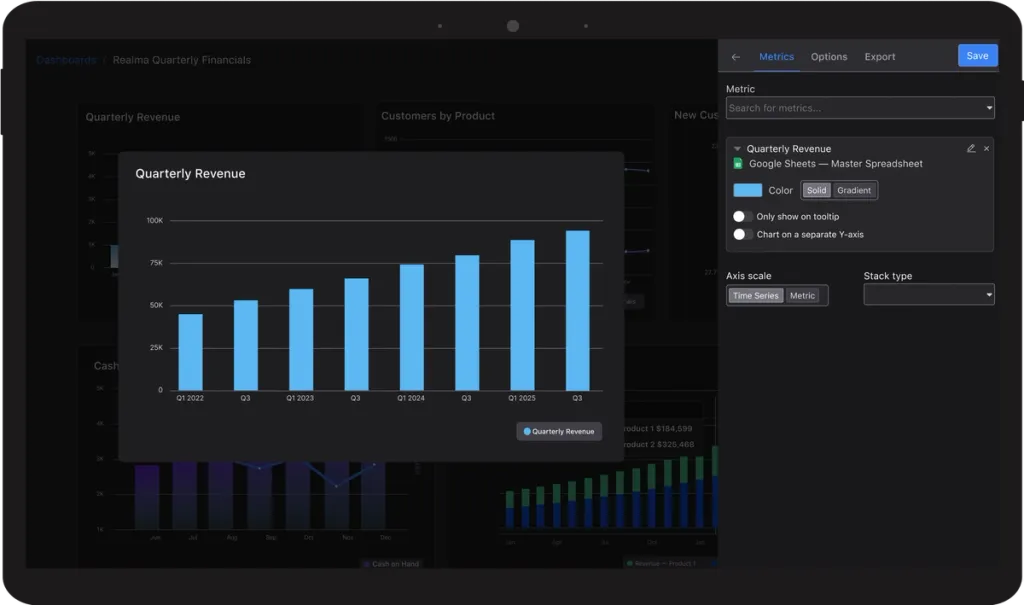
Once your Google Sheet is connected to Visible, use our chart builder to visualize, add insights, and customize your core metrics. Charts will automatically update as new data comes in from Google Sheets.
Combine With Other Data Sources
Connect to our 13+ other integrations to chart your core metrics from multiple sources in one place. For example, chart your Google Sheets data alongside accounting data from Xero or Quickbooks.
Share via Visible Updates, Dashboards, or Data Rooms
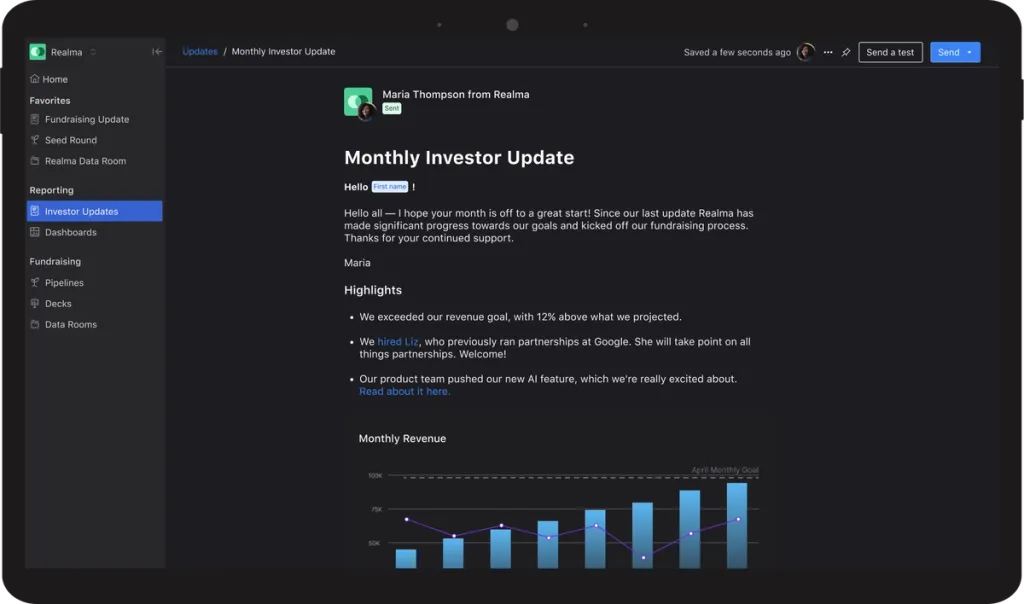
Easily share your data visualizations via Visible Updates, Dashboards, or Data Rooms. We allow you to push your data via email or link so stakeholders don’t have to remember another login.



Spend Less Time Fundraising. More Time Building.
Visible is the fundraising platform for founders. Run your raise from first pitch to close, keep investors warm between rounds, and get back to the work that matters.
Free Starter Plan. No credit card.